Turn any photo into a ghostly 3D particle sculpture
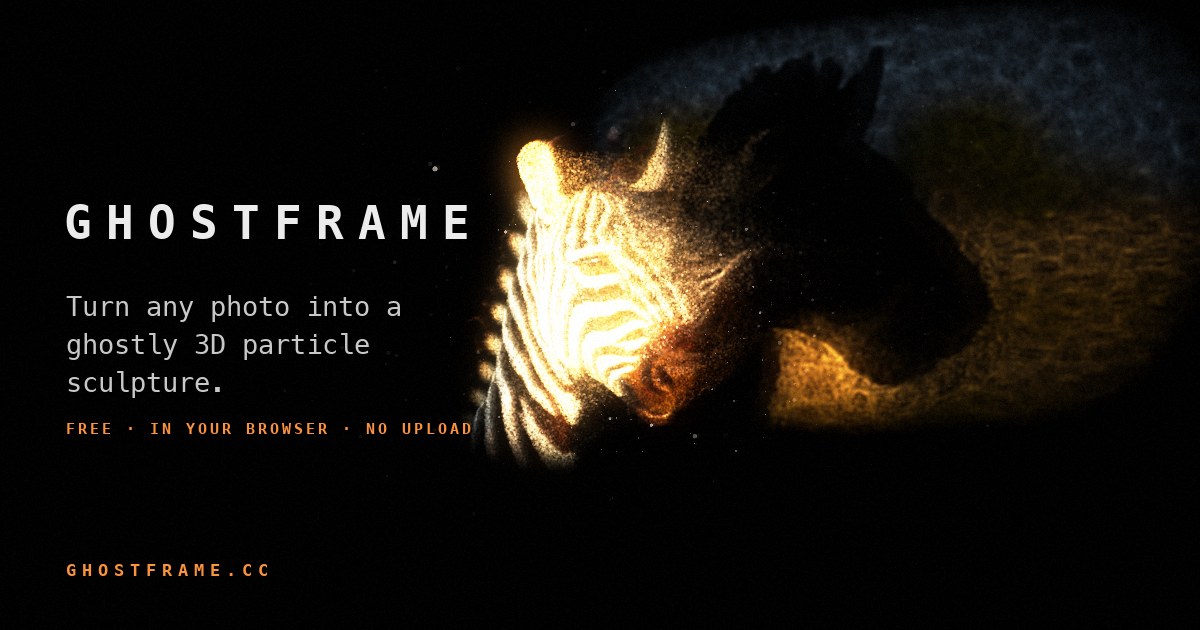
Ghostframe is a free photo effect that runs in your browser. Drop in a picture and an AI depth model rebuilds it as millions of glowing particles in 3D space — people, animals and trees stand out in front, the background drifts far behind, and particles stream off everything into the distance. Turn it, light it with a flashlight, and record it as a video.
How it works
- AI depth estimation. Depth Anything V2 runs on your device (WebGPU when available) and works out how far away every pixel of your photo is.
- Photo to 3D point cloud. Each pixel becomes a particle placed along its own line of sight at that depth. Seen straight on it still looks like your photo; turn it and the scene opens up in 3D.
- Millions of GPU particles. Between 250,000 and 8 million particles are computed fresh every frame on the graphics card, so the effect stays smooth.
Features
- 3D object or 2D photo — a full 3D particle sculpture, or a flat photo with its pixels streaming back into the screen.
- Flashlight — a spotlight you aim with your mouse (or let it sweep) that lights your subject; only lit surfaces shed particles, and dust glows in the beam.
- Particle effects — stream, echo, swarm, melt, burst and gather, with smooth morphing between them, plus trails, glow, dissolve, focus blur and film grain.
- Presets and Shuffle — Spotlight, Dream, Nebula, Ink, Storm, Ghost, Ripple and Homing, or Shuffle for a random new look.
- Camera moves — still, sway, orbit, sweep and breathe, for recordings.
- Record video — save a 5, 10 or 20 second MP4.
- Looks — on black, on white (like ink on paper) or negative.
Private by design
Your photos never leave your device. There is no upload, no account and no server-side processing — the depth model and the 3D rendering both run inside your browser.
Tips for the best 3D
- Photos with a clear subject in front of a background — a person, a pet, an animal, a tree — give the strongest depth.
- Turn the sculpture 20–40° and switch the flashlight on for the most dramatic look.
- On iPhone, photos in HEIC format open in Safari; in other browsers, share them as JPEG.
FAQ
- Is Ghostframe free?
- Yes — free, no account, no watermark.
- Are my photos uploaded?
- No. Everything happens on your device. The only download is the AI depth model, once.
- Which devices does it work on?
- Modern desktop browsers, iPad and recent phones with WebGL 2. WebGPU makes the depth step fastest.
- Can I save what I make?
- Yes — press Rec to record a video of the effect.
Screensaver
Ghostframe also comes as a free screensaver for Mac and Windows: add your photos and it shows them as 3D particle sculptures whenever your computer is idle. Download the screensaver.