Ghostframe Screensaver
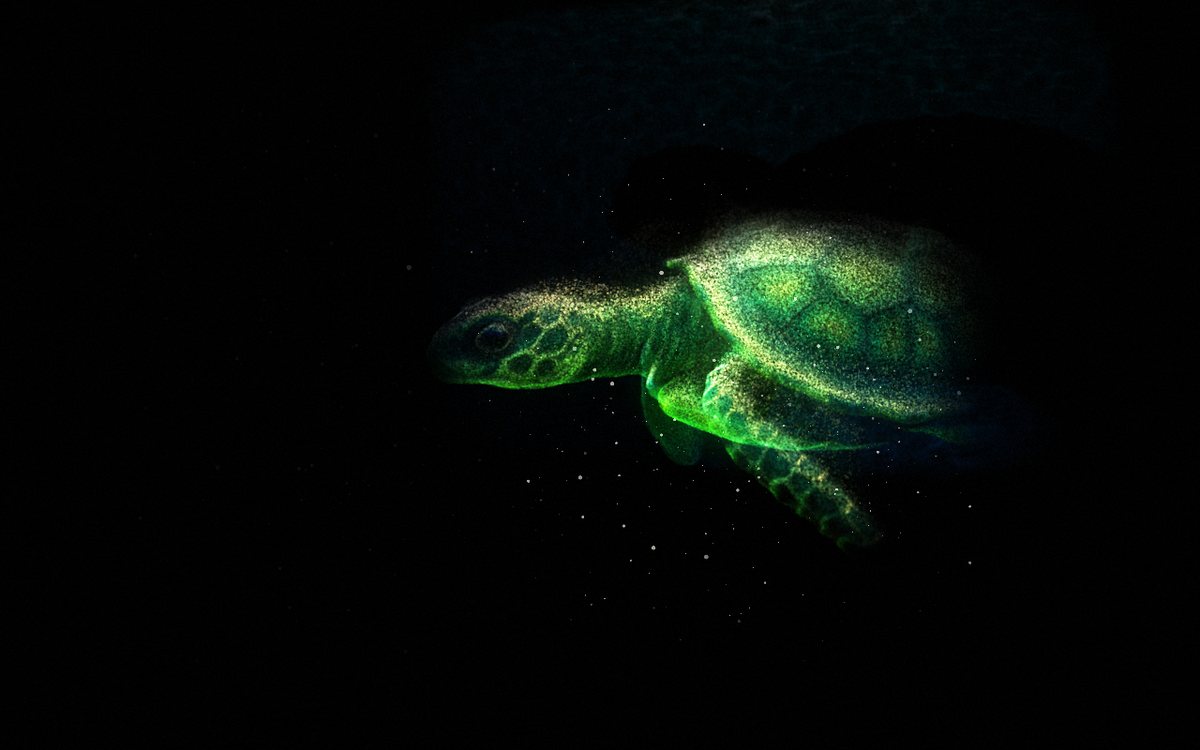
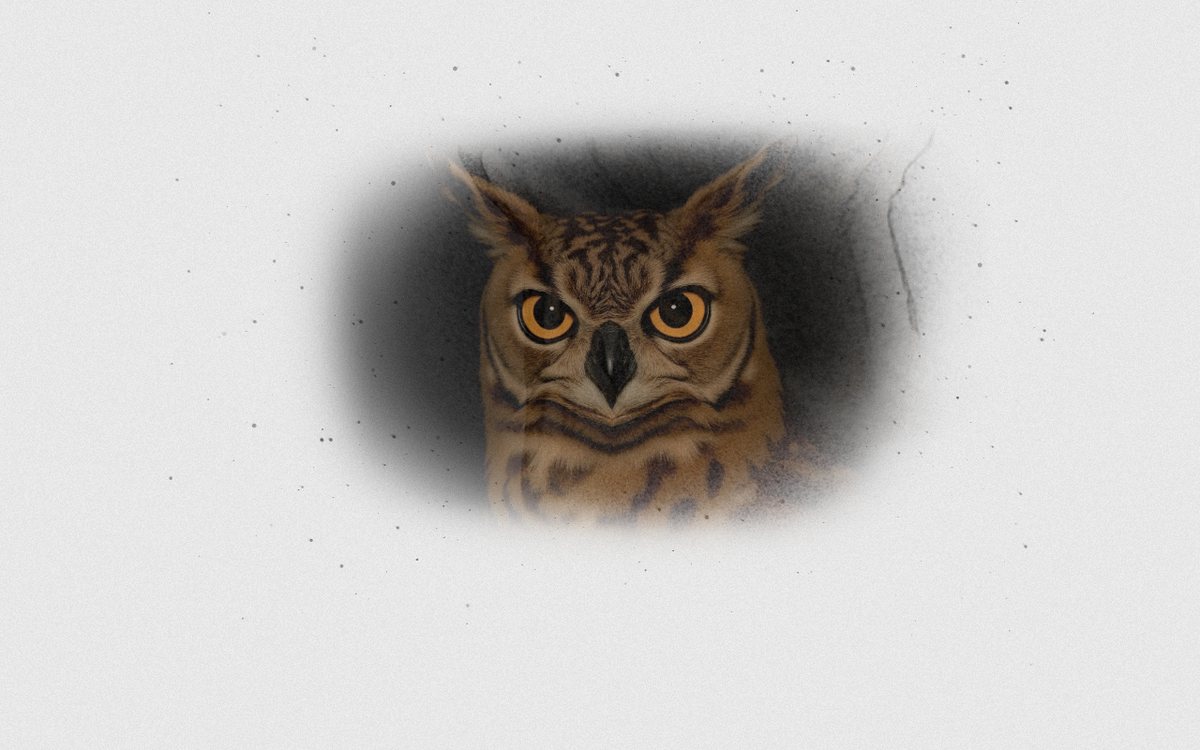
Your photos as ghostly 3D particle sculptures, whenever your computer is idle. Add your photos, pick 3D object or 2D photo, and it does the rest: a new photo every minute, the camera drifting, the light sweeping, and a new mood every so often. Free, for Mac and Windows.
Version 0.1.0 · free · no account · no ads
Install on Mac
- Unzip the download and double-click Ghostframe.saver.
- If macOS says it can't be opened or can't verify the developer, open System Settings → Privacy & Security, scroll down, click Open Anyway, and double-click it again.
- Choose it:
- macOS 26 (Tahoe): System Settings → Wallpaper → Screen Saver… → under Other, pick Ghostframe.
- macOS 13–15: System Settings → Screen Saver → under Other, pick Ghostframe.
Install on Windows
- Unzip the download and double-click Install.cmd.
- If Windows says “Windows protected your PC”, click More info, then Run anyway.
- The settings window opens: add your photos, pick a style, click Done. To change them later, open Settings → Personalization → Lock screen → Screen saver → Ghostframe → Settings.
Good to know
- Why the warning? The screensaver is free and isn't signed with a paid Apple or Microsoft developer certificate, so your computer asks once before running it.
- Your photos stay on your computer. Nothing is uploaded. When you add your first photo it downloads the free Depth Anything model once (about 50 MB) to work out the 3D depth.
- No photos yet? It comes with a collection of AI-generated animal portraits.
- Uninstall: on Mac, right-click Ghostframe in the screen saver list and choose Delete; on Windows, run Uninstall.cmd from the download.